Center faster. Calculate fits & tolerances. Estimate stock weight.
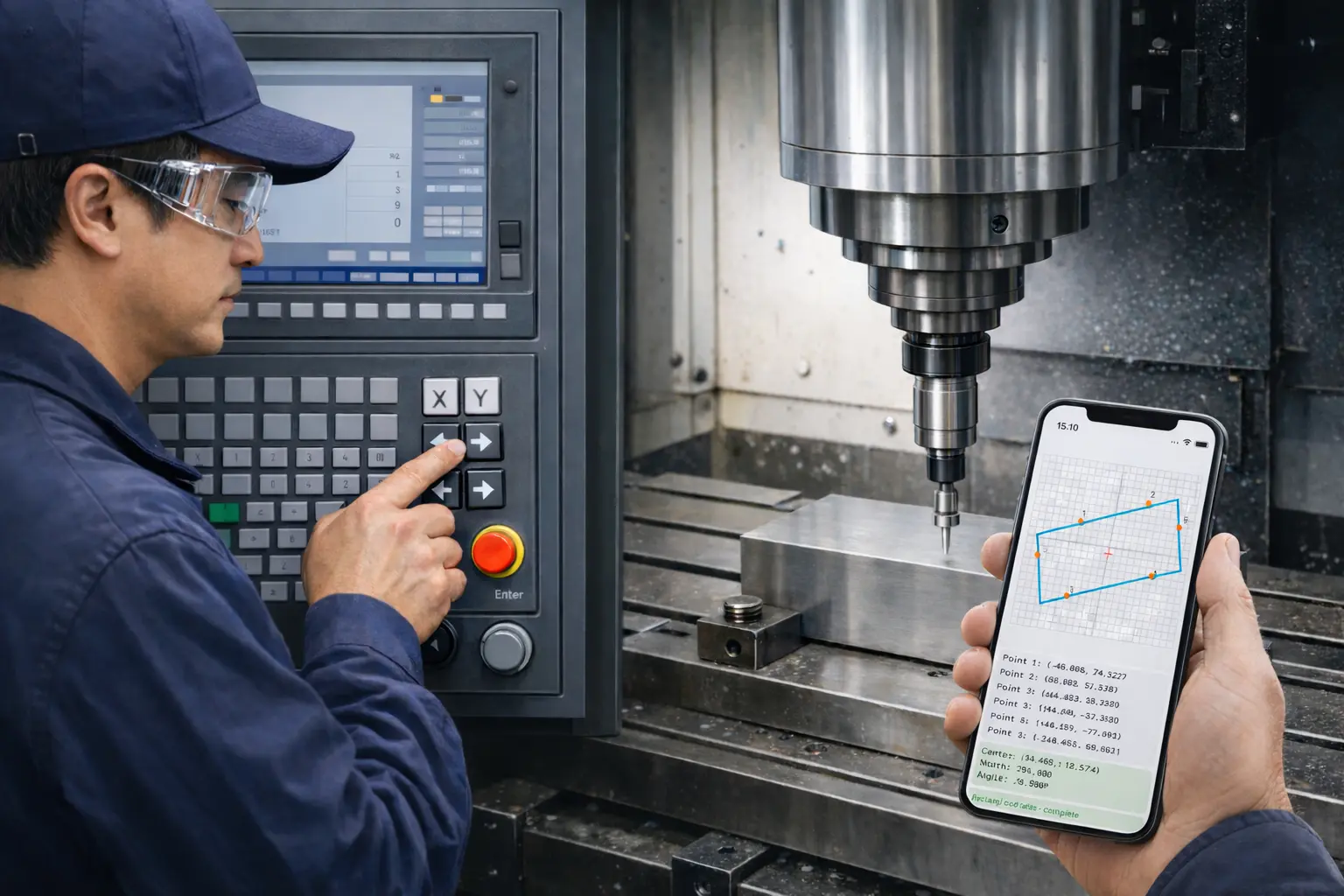
CNC Workpiece Calculator is a practical iPhone/iPad toolbox for machinists: probe-based centering across multiple shapes, ISO-style shaft/hole fit checks, general tolerance references, and quick weight estimation for common materials.
What it helps you do
Reduce manual math during setup and inspection. Keep your workflow moving with on-device calculations you can trust while standing at the machine.
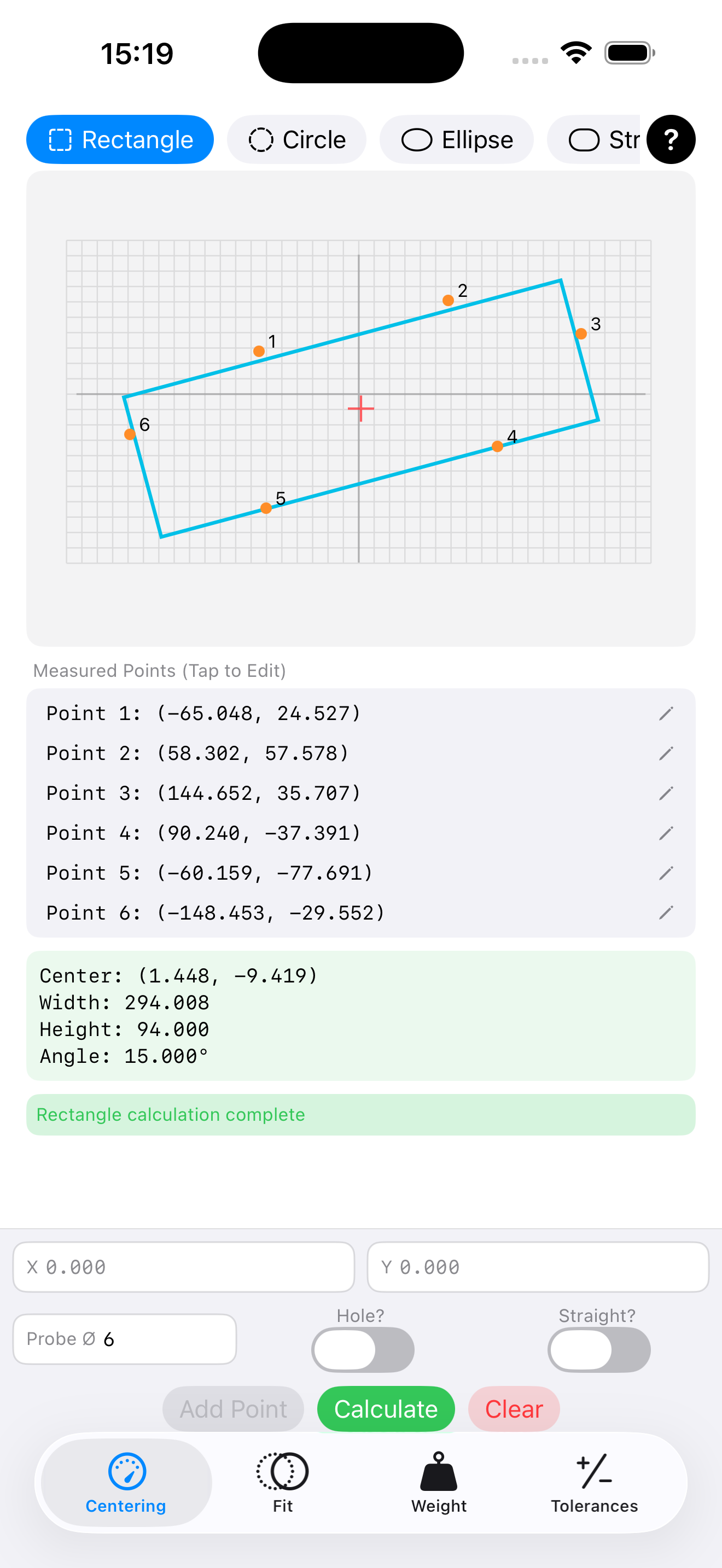
Probe-based centering
Enter measured X/Y points (with probe diameter compensation) and calculate the center/geometry for circle, rectangle, ellipse, straight slot, and double-circle patterns.
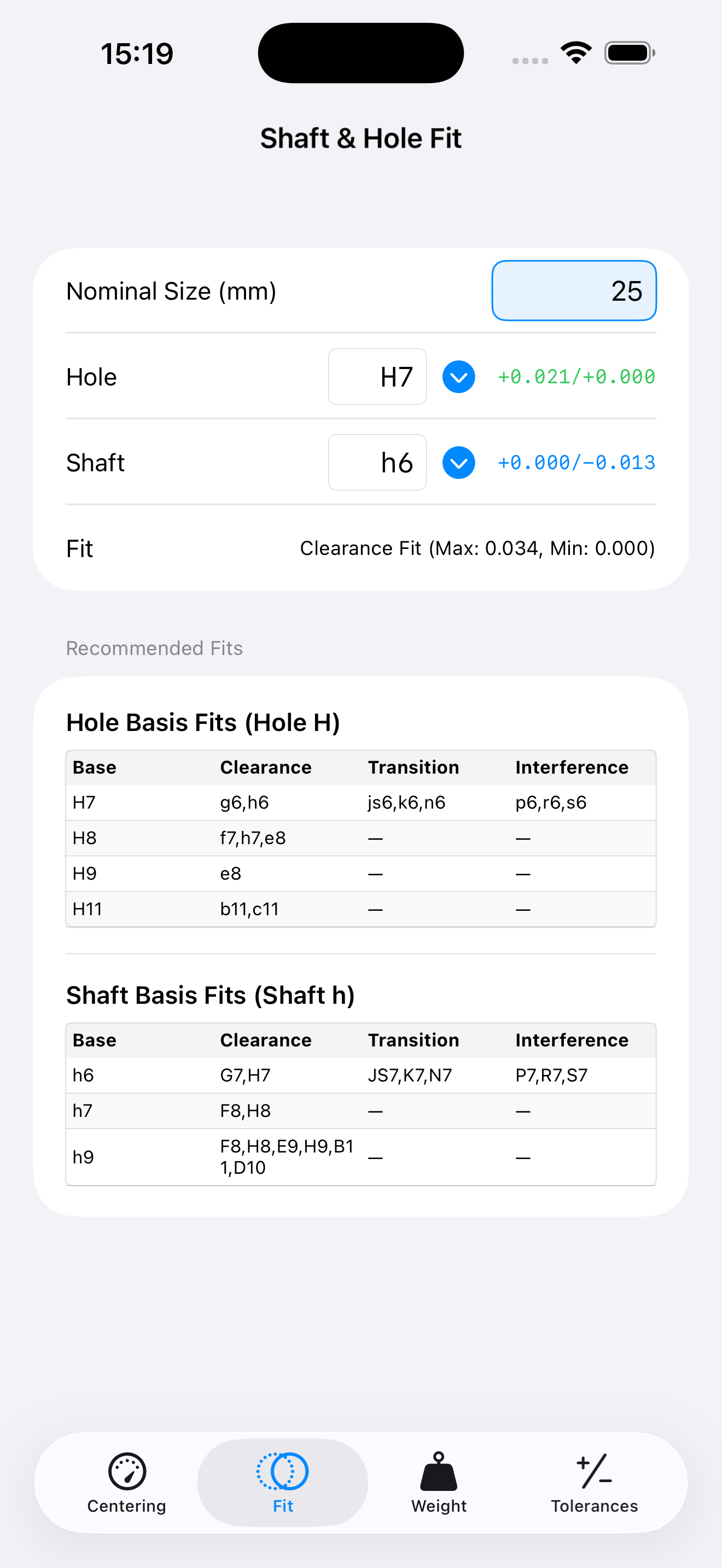
Shaft–hole fits
Quickly check nominal size + tolerance grades (e.g., H7/h6) and see fit outcomes while selecting common hole/shaft types.
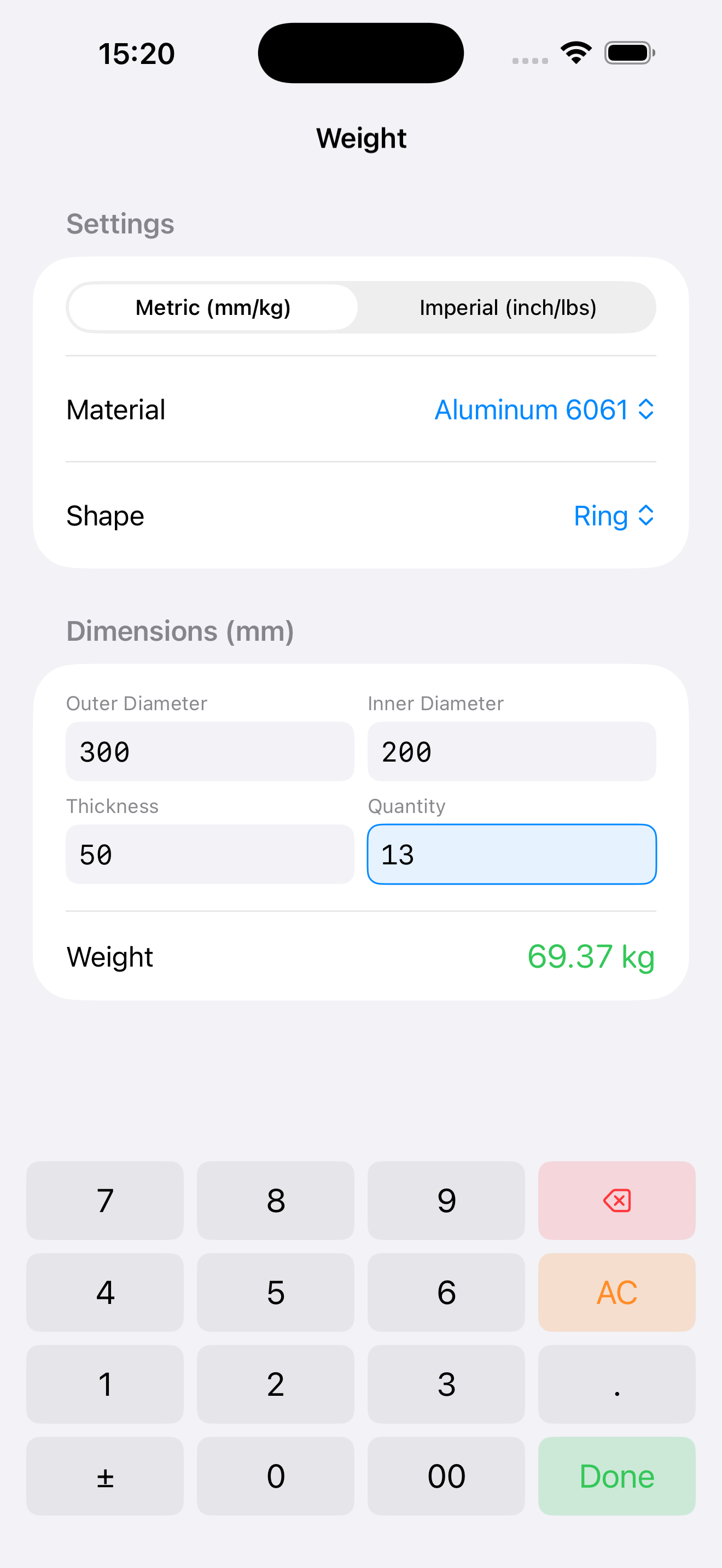
Weight estimation
Estimate weight for common shapes (plate, tube, bar, ring…) with material presets, quantity, and metric/imperial units.
General tolerances
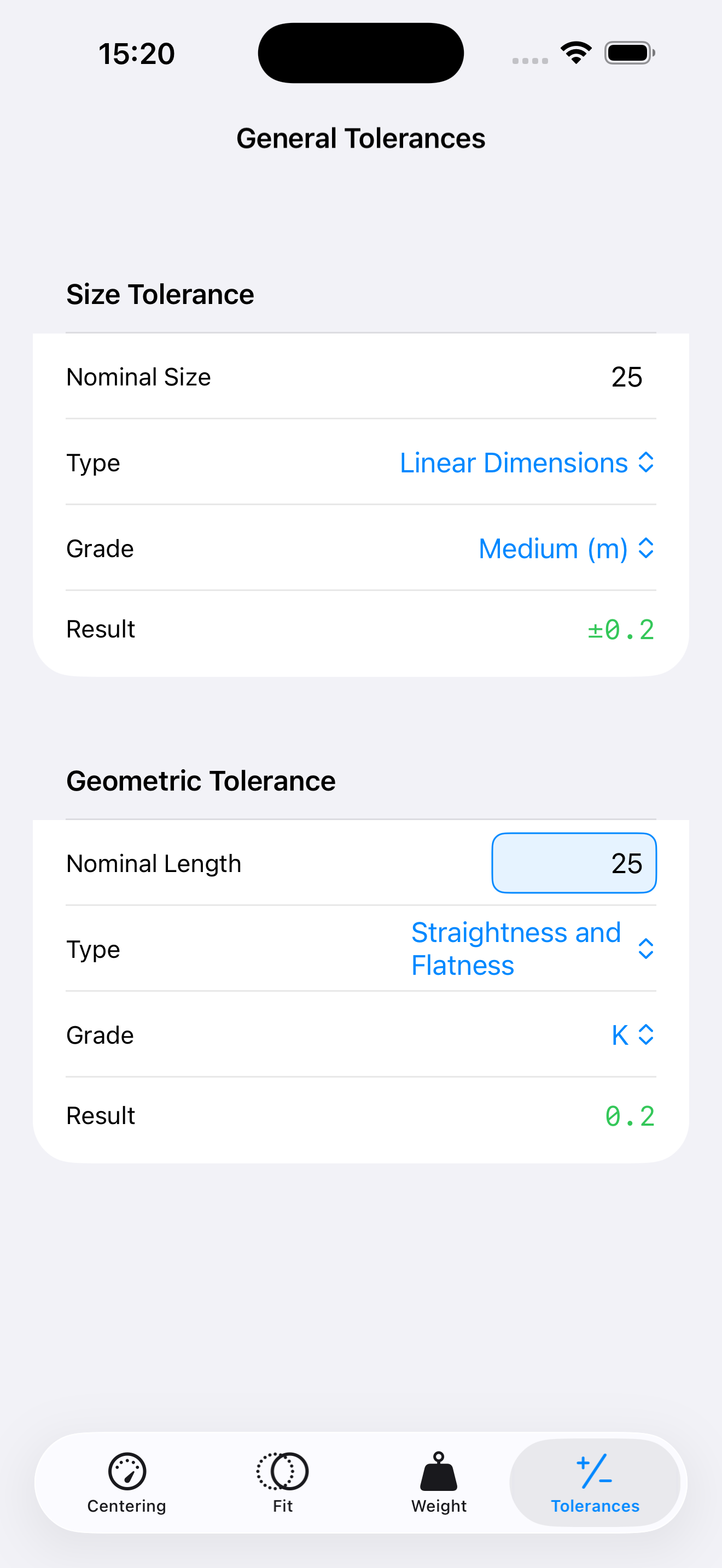
Reference size and geometric tolerances (straightness/flatness, perpendicularity, circular runout, etc.) with clear results for shop use.
Built for iPhone & iPad
Touch-friendly inputs and tab-based tools so you can switch between centering, fits, weight, and tolerances without losing context.
Offline by design
No account, no ads, no tracking SDKs. Calculations run on-device so you can work even in restricted network environments.
Quick tutorial
Four common workflows — centering, fits, weight, and tolerances.
Who it’s for
Job shops
Speed up everyday centering and quick checks without spreadsheets.
Prototype & R&D
Iterate setups faster and keep measurement math consistent across runs.
Training
Help new operators understand fits, tolerances, and geometry results.
FAQ
Does the app need the internet?
No. Core calculations work offline.
Does it collect any data?
No developer analytics or tracking SDKs are used. See the full policy on the Privacy page.
Can I use it on iPad?
Yes — the UI is built for both iPhone and iPad workflows.
Where do I report a bug or request a feature?
Download
Ready to use it on the shop floor?